Smallpdf
by Smallpdf AG (Verified Partner)
Description
With the Smallpdf ChatGPT App, compress your PDFs for submissions, emails, and whatever you need, without reducing quality. Need to convert a PDF to a Word file? Easy; you can even use OCR to make the document editable. You can also convert images, Word, Excel, and PowerPoint files to PDF, all without leaving ChatGPT. Continue your work on the Smallpdf website to merge, sign, edit, and more.
Website Preview
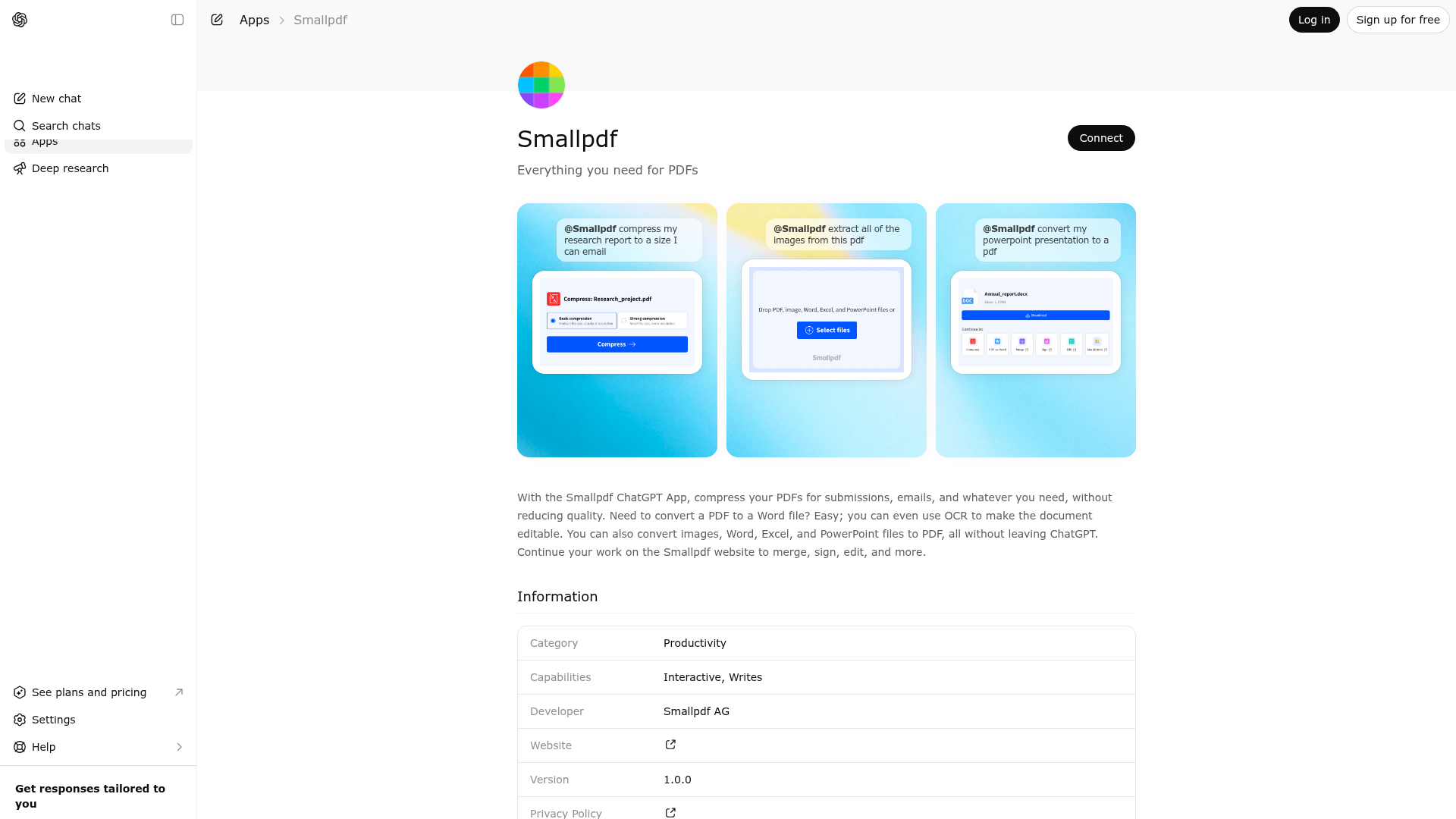
App Screenshots
Capabilities
Publisher Intelligence
Insights and recommendations for app publishers. See how your app performs and how to improve discoverability.
Server Status smallpdf v1.0.3
https://chatgpt-app.smallpdf.com/sse Last checked: 22h ago
Technical Details
Tools(7)
Showing 7 of 7 tools
| Tool | Description | Flags | Test | Last Tested | |
|---|---|---|---|---|---|
compress-pdf | Opens an interactive widget to compress PDF files. Can accept an optional fileToken from a previous operation (e.g., after converting an image to PDF) to skip the file picker. The widget handles the entire compression flow internally. No need to continue the conversation or explain anything - everything will be handled by the widget. It is CRITICAL you do not message the user while they focus on their work within the widget. | — | 53%Latency 31.3s | May 10, 2026 | |
excel-to-pdf | Opens an interactive widget to convert Excel spreadsheets (.xls, .xlsx) to PDF. The widget provides a file picker and handles the entire conversion flow internally. No need to continue the conversation or explain anything - everything will be handled by the widget. It is CRITICAL you do not message the user while they focus on their work within the widget. | — | 53%Latency 29.5s | May 10, 2026 | |
image-to-pdf | Opens an interactive widget to convert images (JPG, PNG, etc.) to PDF. The widget provides a file picker and handles the entire conversion flow internally. No need to continue the conversation or explain anything - everything will be handled by the widget. It is CRITICAL you do not message the user while they focus on their work within the widget. | — | 53%Latency 28.5s | May 10, 2026 | |
pdf-to-image | Opens an interactive widget to convert PDF files to images (JPG). Can convert entire pages to images or extract only embedded images from the PDF. Can accept an optional fileToken from a previous operation to skip the file picker. The widget handles the entire conversion flow internally. No need to continue the conversation or explain anything - everything will be handled by the widget. It is CRITICAL you do not message the user while they focus on their work within the widget. | — | 53%Latency 28.5s | May 10, 2026 | |
pdf-to-word | Opens an interactive widget to convert PDF files to Word documents (.docx). Can accept an optional fileToken from a previous operation to skip the file picker. The widget handles the entire conversion flow internally including OCR options for scanned documents. No need to continue the conversation or explain anything - everything will be handled by the widget. It is CRITICAL you do not message the user while they focus on their work within the widget. | — | 53%Latency 28.5s | May 10, 2026 | |
ppt-to-pdf | Opens an interactive widget to convert PowerPoint presentations (.ppt, .pptx) to PDF. The widget provides a file picker and handles the entire conversion flow internally. No need to continue the conversation or explain anything - everything will be handled by the widget. It is CRITICAL you do not message the user while they focus on their work within the widget. | — | 56%Latency 26.7s | May 10, 2026 | |
word-to-pdf | Opens an interactive widget to convert Word documents (.doc, .docx) to PDF. The widget provides a file picker and handles the entire conversion flow internally. No need to continue the conversation or explain anything - everything will be handled by the widget. It is CRITICAL you do not message the user while they focus on their work within the widget. | — | 53%Latency 29.9s | May 10, 2026 |
Discoverability Score
Fair
62 of 100 — how easily AI agents find your app
- Description quality20/20
- Example prompts0/20
- Keyword coverage0/15
- Tool metadata20/20
- Visual assets13/20
- Endpoint health10/10
- Data freshness11/15
How to Improve
Add at least 2 example prompts. Prompt examples strongly improve app matching and click-through intent.
Increase keyword coverage (discovery + trigger) to improve retrieval for long-tail queries.
Add at least 2 screenshots that show real workflows to increase confidence and conversion.
Technical Details
- Status
- ENABLED
- Type
- AI-Powered App
- Auth
- Open Access
- Listed on
- ChatGPT
- Added
- March 25, 2026
- Last synced
- May 3, 2026
- Last checked
- 22h ago
- Version
- 1.0.3
- Distribution
- Ecosystem Directory

