Experteer
by Experteer GmbH (Verified Partner)
Description
The Experteer AI Career Assistant helps ambitious professionals and executives navigate job search more efficiently. Describe your target role, seniority, industry, and preferences, and get personalized, actionable guidance to discover relevant opportunities and refine your search strategy. Use it to: * Define and clarify your target roles (titles, scope, seniority) * Translate your goals into better search criteria and keywords * Explore adjacent roles and alternative title variations you may be missing * Prioritize opportunities based on your preferences (industry, location, compensation focus, company type) * Stay organized with a clearer shortlist and next steps for your search More career-support capabilities may be added over time.
Website Preview
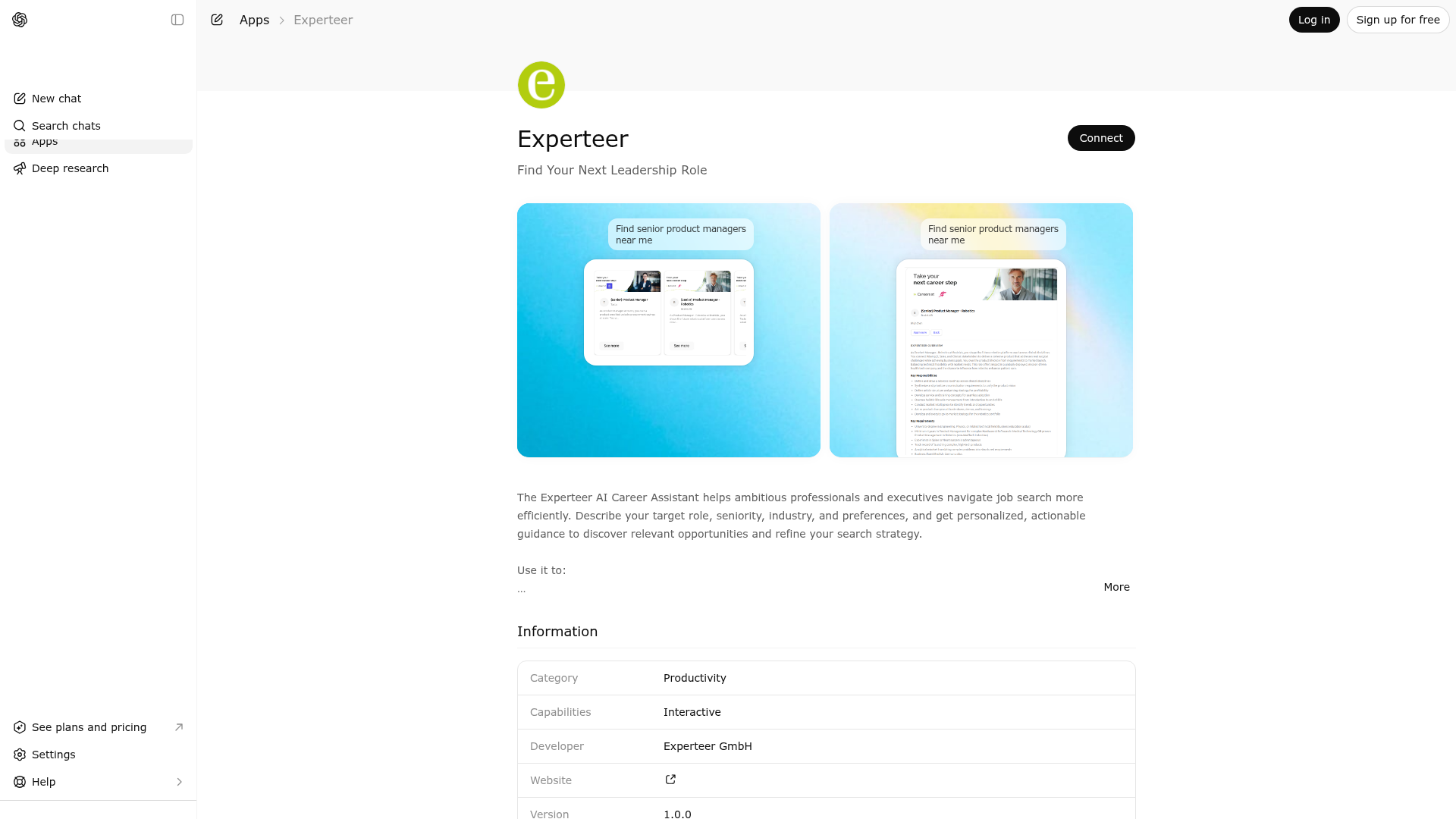
App Screenshots
Capabilities
Publisher Intelligence
Insights and recommendations for app publishers. See how your app performs and how to improve discoverability.
Server Status experteer
https://mcp.jca.experteer.com/mcp/4688951b6d7da4fa5a66399f31944d4ba15c5078ef88d82f56bf7515d3711f7d Last checked: 23h ago
Server Instructions
The Experteer AI Career Assistant helps ambitious professionals and executives take the next step in their career. Whether you're exploring new leadership roles, optimizing your CV, or preparing for interviews, this tool combines Experteer’s premium career insights with the intelligence of ChatGPT to give you actionable, personalized guidance.
Technical Details
Tools(1)
Showing 1 of 1 tools
| Tool | Description | Flags | Test | Last Tested | |
|---|---|---|---|---|---|
search_jobs | Use this tool to search for executive and specialist-level job opportunities listed on Experteer.de. The tool provides relevant job postings, company information, and application details for senior professionals. | read-only | 100%Latency 1.4s | Mar 30, 2026 |
Discoverability Score
Fair
52 of 100 — how easily AI agents find your app
- Description quality20/20
- Example prompts0/20
- Keyword coverage0/15
- Tool metadata16/20
- Visual assets5/20
- Endpoint health10/10
- Data freshness11/15
How to Improve
Add at least 2 example prompts. Prompt examples strongly improve app matching and click-through intent.
Increase keyword coverage (discovery + trigger) to improve retrieval for long-tail queries.
Provide a stable HTTPS logo URL (avoid connectors://) so cards render consistently across clients.
Add at least 2 screenshots that show real workflows to increase confidence and conversion.
Technical Details
- Status
- ENABLED
- Type
- AI-Powered App
- Auth
- Open Access
- Listed on
- ChatGPT
- Added
- February 13, 2026
- Last synced
- May 3, 2026
- Last checked
- 23h ago
- Distribution
- Ecosystem Directory

