
Botlab
by AI Rudder Pte Ltd (Verified Partner)
Description
Botlab places short phone calls on your behalf to confirm information (e.g., availability, hours, simple questions). Provide the phone number(s), language/region, and your goal. The app will return a concise outcome summary (and transcript when available). Use only when you have permission to contact the recipient. Not for emergency services or sensitive data collection.
Website Preview
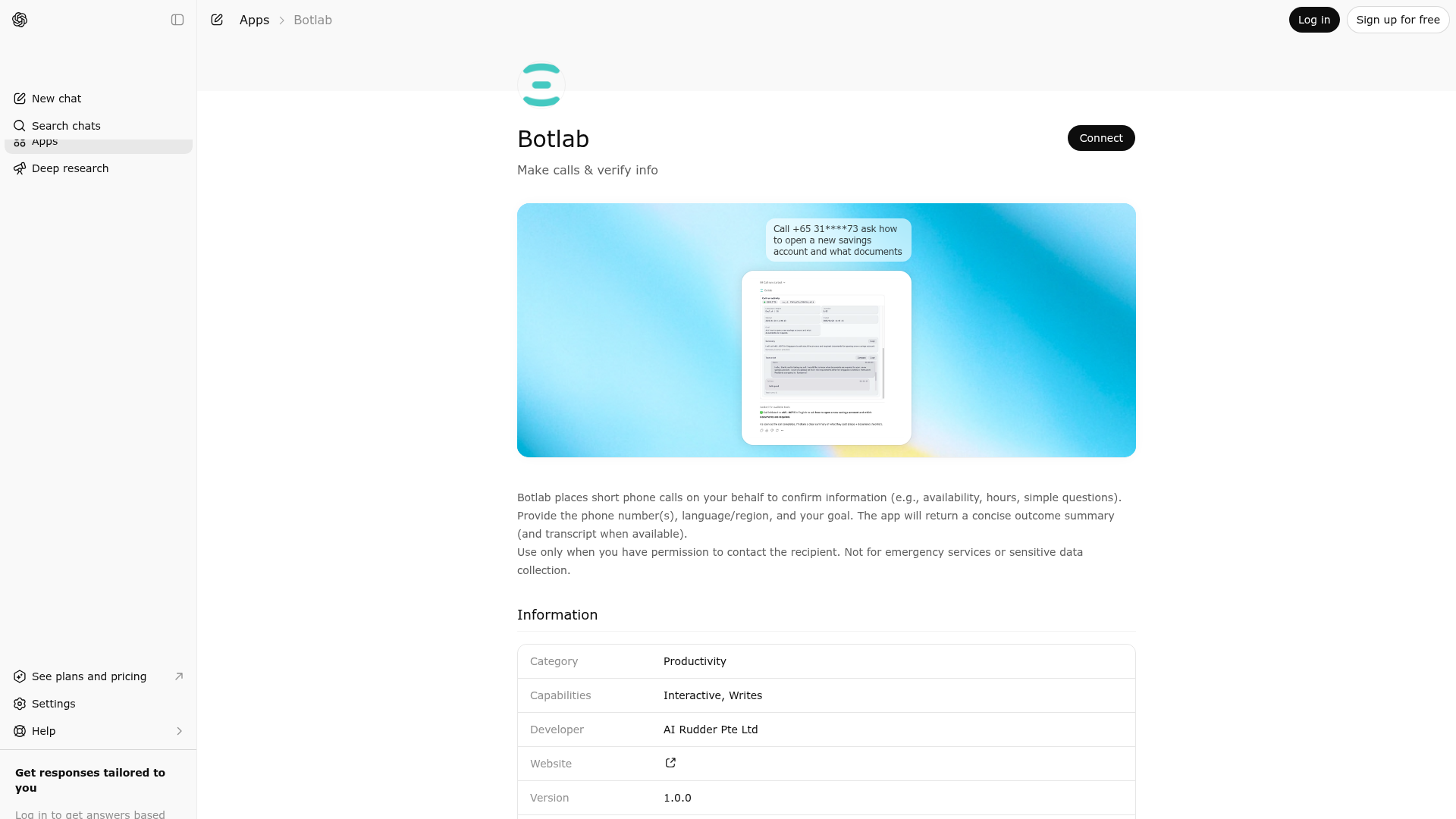
App Screenshots
Capabilities
Publisher Intelligence
Insights and recommendations for app publishers. See how your app performs and how to improve discoverability.
Server Status AI Rudder MCP v3.0.0b1
Server is not responding. Tool discovery is paused until health checks recover.
https://seleven-mcp-sg.airudder.com/mcp/chatgpt_oauth Last checked: 2d ago
Technical Details
Tools(4)
Showing 4 of 4 tools
| Tool | Description | Flags | Test | Last Tested | |
|---|---|---|---|---|---|
get_call_run | Query a call run by run_id. This tool does not initiate calls or modify run state. After calling 'run_call', wait 60 seconds before the first query. Then query every 5-10 seconds. | read-only | Not tested | — | |
plan_call | First, use this to plan the call. Always pass the user's latest message verbatim via 'user_input' (even if you also set other fields). Do not guess region/language or reformat ambiguous phone numbers. If 'ready_to_run' is false, prefer letting the user fill the missing details in the plan card UI instead of restating every question in chat. If the user answers in chat instead, call this again with 'user_input' set to the user's response. When 'ready_to_run' is true and a plan card UI is available, stop after 'plan_call' and let the plan card continue execution. Only call 'run_call' yourself if no plan card UI is available or the user explicitly asks to start or retry the call in chat. Do not guess parameters. | — | Not tested | — | |
run_call | Executes the planned call. Use only after 'plan_call' returns 'ready_to_run=true'. Pass the 'confirm_token' exactly as received. In ChatGPT, do not call 'run_call' in the same turn if a plan card UI is available and has already started the call. Use 'run_call' there only when no plan card UI is available or the user explicitly asks to start or retry the call in chat. If the call starts, it runs asynchronously. Do not perform extra operations; the server will notify on completion. Do not call 'run_call' more than once for the same 'plan_id'. Once started, wait for the activity card updates. | destructive | Not tested | — | |
track_ui_events | Widget-only batch telemetry ingestion tool. Use this from the app UI to submit a telemetry batch for a single plan. Events must be sent in batches, not one-by-one. | — | Not tested | — |
Discoverability Score
Fair
55 of 100 — how easily AI agents find your app
- Description quality20/20
- Example prompts0/20
- Keyword coverage0/15
- Tool metadata16/20
- Visual assets13/20
- Endpoint health6/10
- Data freshness11/15
How to Improve
Add at least 2 example prompts. Prompt examples strongly improve app matching and click-through intent.
Increase keyword coverage (discovery + trigger) to improve retrieval for long-tail queries.
Add at least 2 screenshots that show real workflows to increase confidence and conversion.
Technical Details
- Status
- ENABLED
- Type
- AI-Powered App
- Auth
- Requires Login
- Listed on
- ChatGPT
- Added
- February 25, 2026
- Last synced
- May 3, 2026
- Last checked
- 2d ago
- Version
- 3.0.0b1
- Distribution
- Ecosystem Directory

